
This is an instruction manual for a data logger
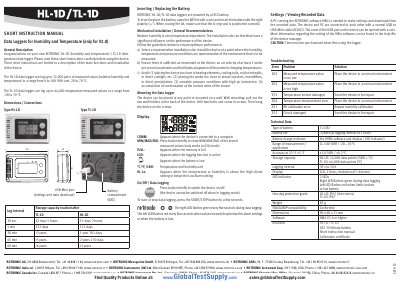
This document is a short instruction manual for the ROTRONIC TL-1D (temperature) and HL-1D (humidity and temperature) data loggers. It provides essential information on device description, mechanical installation, battery replacement, and basic operation including starting/stopping logging and viewing stored values.
| Measurement Range (Temperature) | -20 to 70 °C |
|---|---|
| Storage Capacity (TL-1D) | 64,000 data points |
| Battery Type | CR2 |
| Dimensions | 90 x 60 x 23 mm |
| Weight | 85 g |
Press the START/STOP button for a few seconds to start or stop data logging.
A PC running the ROTRONIC HW4 software is required to make settings and download/view recorded data.
Error E31 indicates that the temperature sensor is damaged.