
This manual describes the functions of the 3000 Series indicators T31P and T31XW.
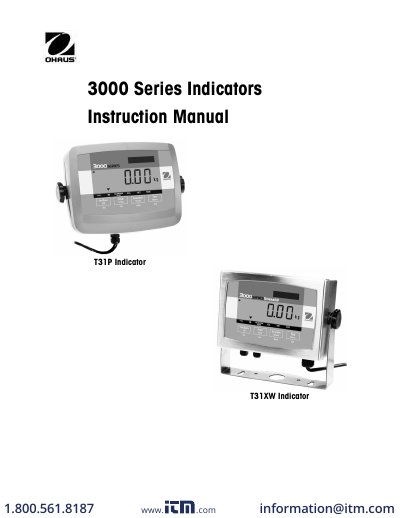
This manual provides installation and maintenance instructions for the Ohaus Defender 3000 Series Base and its associated indicators, the T31P and T31XW models. It details safety precautions, wiring connections for load cells, and proper location selection to ensure accurate performance. The document also covers troubleshooting common operational difficulties related to the base and indicator setup.
| Ambient Temperature | -10°C to +40°C |
|---|---|
| Relative Humidity | 10% to 90% non-condensing |
| Maximum Displayed Resolution | 1:20,000 |
| Display Type | 6-digit, 7-segment backlit LCD |
| Load Cell Excitation Voltage | 5V DC |
| Operating Temperature Range | -10°C to 40°C |
Operate the base only under specified ambient conditions, ensure the load cell cable does not pose a tripping hazard, and do not operate in hazardous environments.
Common causes include loose or incorrect wiring connections, obstructions to the base frame, unstable environments, or incorrect calibration.
The stabilization time is within 2 seconds.