
This manual introduces the OHAUS Aviator 7000 retail scale's operations. It mainly introduces the functions, settings, operation, maintenance, and troubleshooting of the scale.
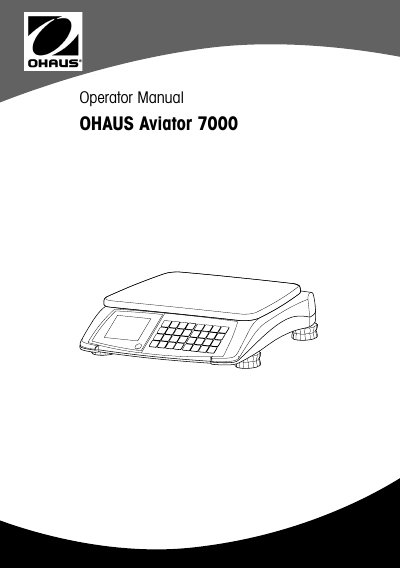
The OHAUS Aviator 7000 is a robust digital price computing scale designed for mobile selling and retail environments. It features a hygienic design, battery operation, and POS connectivity for data transfer and external printing. The device is available in compact and tower versions.
| Display digits (weight) | 6 digits |
|---|---|
| Display digits (unit price) | 6 digits |
| Display digits (total price) | 7 digits |
| Operating temperature | -10 °C to +40 °C |
| Power supply | 12 V DC |
| Battery type | 6 Alkaline or 6 NiMH D-cells |
| Interface | RS232C or USB |
The scale requires a stable, vibration-free, and preferably horizontal location away from shocks, excessive temperature fluctuations, direct sunlight, and strong drafts.
Turn the scale's adjustable feet until the air bubble in the level indicator is in the inner circle.
The maximum relative humidity is 80% for temperatures up to 31 °C, decreasing linearly to 50% at 40 °C.