
This manual describes the function and use of the RS232-Ethernet Interface Kit.
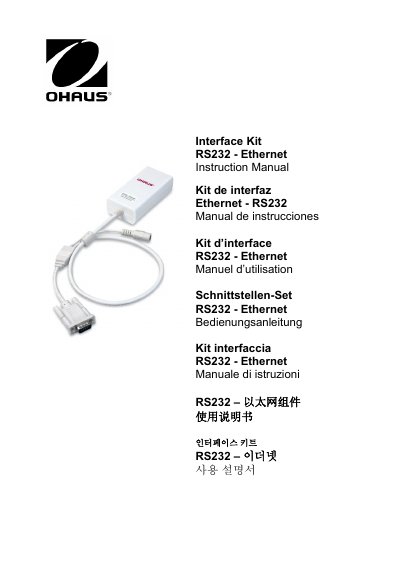
The OHAUS RS232-Ethernet Interface Kit (Model EN-1) is a unique solution designed to allow users to connect a balance with an RS232 interface directly to an Ethernet network. The kit includes specific requirements for the Ethernet and RS232 interfaces, detailing connector types like RJ-45 and DB9 male, as well as technical data regarding operating temperature, humidity limits, and power input.
| Operating Temperature | 0 to 40° C |
|---|---|
| Storage Temperature | -10 to 55° C |
| Power Input | 12VDC 0.5A |
| Altitude Limit | Up to 2000 m |
| Default IP Address | 169.254.1.1 |
The default user name is 'ohaus' and the password is also 'ohaus'.
Power off the kit, short Pin 1 of the RS232 connector to the shield for 5 seconds while powering on, then remove the connection.
No, the Port Number is always 9761 and cannot be changed.