
The I16-COB20 is used to demonstrate the voice quality of the ISD16B20 ChipCorder series. This board has an empty PDIP socket, so that the desired device can be installed. It can also serve as a prototype board for your initial applications.
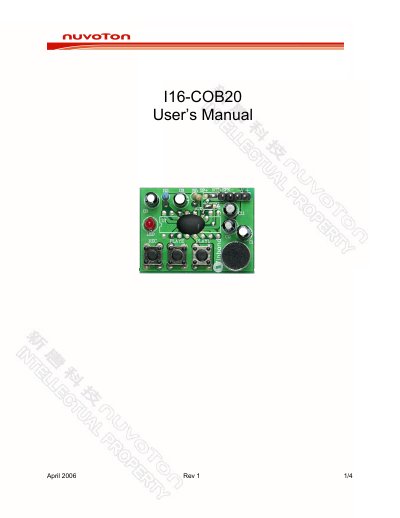
The Nuvoton 116-COB20 is a demonstration board designed to showcase the voice quality of the ISD16B20 ChipCorder series. It features an empty PDIP socket allowing users to install the desired device and serves as a prototype board for initial applications. The kit includes the COB/Demo board and this User's Manual.
| PCB Dimensions | 37.5 mm x 27.7 mm |
|---|
It is used to demonstrate the voice quality of the ISD16B20 ChipCorder series and can serve as a prototype board.
Connect a speaker and power supply, then press-and-hold the REC button while speaking to the microphone.
Press the PlayE button once to play the message; it stops automatically when completed.