
Maxtor OneTouch External Hard Drive User's Guide

Warranty terms of OneTouch products
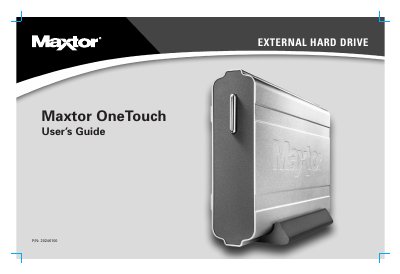

Maxtor OneTouch External Hard Drive User's Guide - cover page
Brand
Maxtor
Category
Hard disk
Document type
User Manual
Language
English
Pages
82
File format
PDF
File size
3.1 MB
Published
16 October, 2023
Updated
16 October, 2023
MD5 checksum
918409D6BA6893ACC889FDD12D526F0B

About this manual

The Maxtor OneTouch is an external hard drive designed to add storage capacity to computers running Windows or Macintosh operating systems. It features a "plug and play" design with support for USB 1.1/2.0 and FireWire interfaces, allowing users to store documents, media files, and create backups using the included Maxtor OneTouch feature.

What's inside

  • Introduction
  • OneTouch Drive Components
  • System Requirements
  • Handling Precautions
  • Installing Your Drive
  • Using Your Drive
  • Backing Up Your System
  • Disaster Recovery
  • Troubleshooting and FAQs

Frequently asked questions

What is the warranty period for Maxtor products?

Maxtor warrants new products to be free from defects in material and workmanship for 1 year from the date of original purchase.

Can the drive be used while it is moving?

No, users must not bump, jar, drop, or move the drive while it is in operation.

Download PDF (3.1 MB)

More Maxtor Manuals


View all Maxtor manuals →