
Magellan Echo Series User Manual
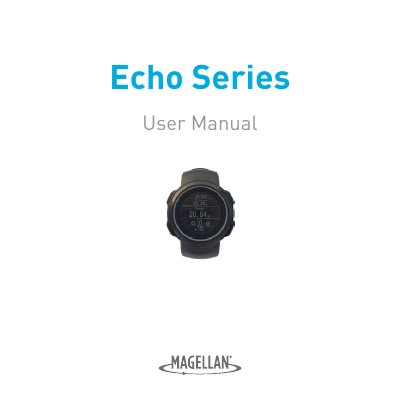
The Magellan Echo is a GPS-enabled wristwatch designed for fitness tracking. It connects wirelessly to iOS and Android smartphones or tablets that support Bluetooth Smart technology. Users can customize the watch face and data fields using the companion Magellan Echo App.
The document outlines fundamental operations such as turning the device on and off, managing battery life, and utilizing specific buttons for functions like recording music power or lap times within compatible running applications.
The Magellan Echo watch connects with iOS and Android devices (smartphones/tablets) which have Bluetooth Smart.
You must use the Magellan Echo App to download onto your device to change the settings of the watch.
The device should not be used outside of a temperature range of -4°F to 131°F (-20°C to 55°C).