
This document is about installing the Maxtor hard drive
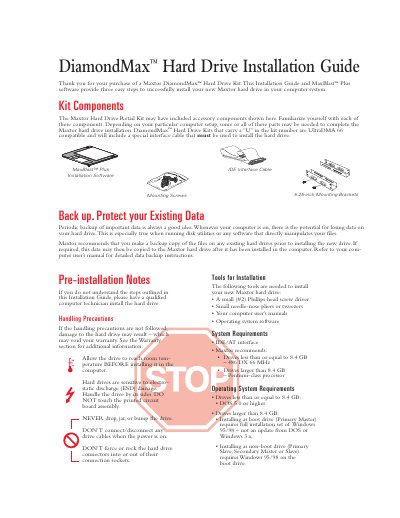
This guide provides instructions for installing a Maxtor DiamondMax hard drive kit. It details the components included in the kit, such as mounting brackets and cables, and outlines the necessary tools and system requirements for installation. The document emphasizes the importance of backing up existing data before installation and handling the drive with care to prevent damage.
| Interface Compatibility | IDE/AT interface |
|---|---|
| Recommended Processor (<= 8.4 GB) | 486 DX 66 MHz |
| Recommended Processor (> 8.4 GB) | Pentium-class processor |
| Operating System (<= 8.4 GB) | DOS 5.0 or higher |
| Operating System (> 8.4 GB, Boot Drive) | Windows 95/98 |
| Operating System (> 8.4 GB, Non-Boot Drive) | Windows 95/98 |
A backup device with removable media and a software backup application are needed to copy information from a hard drive to a backup device.
Master and Slave represent the relationship between devices on the same IDE interface, where the Master device is attached to the ribbon cable before the secondary or Slave device.
The ribbon cable is limited to a maximum of two IDE devices and a maximum length of 18 inches.
A jumper change is required when the relationship to other devices has changed, such as when a device changes position from Master to Slave.