
This manual provides instructions on how to install, use, and troubleshoot your Maxtor OneTouch™ II external hard drive.
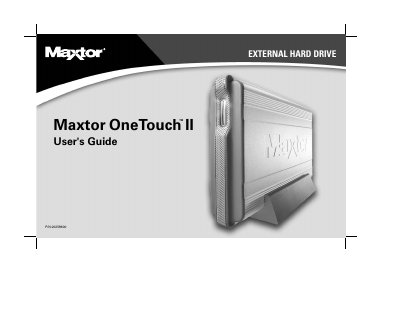
The Maxtor OneTouch II is an external hard drive designed to add storage and backup capabilities to your computer. It features a unique OneTouch button for easy file backup, high-speed performance via USB 1.1/2.0 or FireWire interfaces, and a security locking slot. The drive is compatible with Windows 98SE, Me, 2000, XP, and Macintosh OS 9 and OS X.
| Processor Requirement | Pentium III, 500 Mhz equivalent processor or higher |
|---|---|
| RAM Requirement | 128 MB RAM or more |
| Interface Support | USB 1.1 and 2.0, FireWire/1394/i.LINK |
| OS Compatibility | Windows 98SE, Me, 2000, XP; Mac OS 9.1 or higher |
No, though the combo model has both interfaces, it is only possible to use one at a time.
You can go directly to Step 2 and connect the drive, but the Maxtor OneTouch feature will not work unless you install Retrospect Express.