
Konica Minolta CS-S10w Data Management Software Installation Guide

This document is KONICA MINOLTA CS-S10w Data Management Software Installation Guide
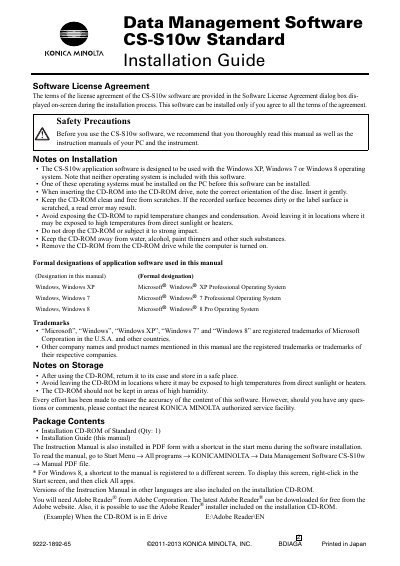

Konica Minolta CS-S10w Data Management Software Installation Guide - cover page
Brand
Konica Minolta
Document type
Installation Guide
Language
English
Pages
4
File format
PDF
File size
132 KB
Published
16 October, 2023
Updated
16 October, 2023
Model
CS-S10w
MD5 checksum
79C34189734D78766D3AAAF1FBF66583

About this manual

The Konica Minolta CS-S10w Standard Data Management Software is designed to be used with compatible instruments such as the CS-200. The software requires a PC running Windows XP, Windows 7, or Windows 8, along with specific hardware requirements including a Pentium III processor and 128 MB of memory.

What's inside

  • Software License Agreement
  • Safety Precautions
  • System Requirements
  • Compatible Instruments
  • Installing the software
  • Creating a shortcut
  • To uninstall
  • Connection

Frequently asked questions

What operating systems are supported?

The software is designed for Windows XP, Windows 7, or Windows 8.

Which instrument is compatible?

The software is compatible with the CS-200 instrument.

Download PDF (132 KB)

More Konica Minolta Manuals


View all Konica Minolta manuals →