
CA-S25w Installation Guide
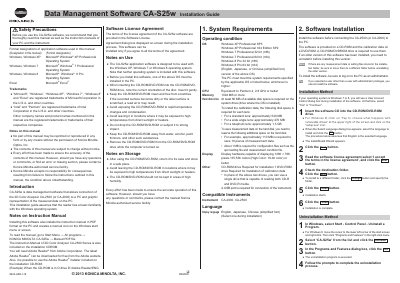
The Konica Minolta CA-S25w is a data management software designed to connect the 2D Color Analyzer CA-2500 (or CA-2000) to a PC for graphic representation of measured data. This installation guide assumes basic familiarity with the Windows operating system and details the requirements, setup process, and removal procedures.
| Compatible Instruments | CA-2000, CA-2500 |
|---|---|
| CPU Requirement | Equivalent to Pentium 4, 2.8 GHz or better |
| Memory Requirement | 1024 MB or more |
| Disk Space (Standard Lens) | approximately 540 MB |
The software allows connection of the 2D Color Analyzer CA-2500 or CA-2000 to a PC.
The application is designed for Windows XP, Windows 7, or Windows 8.
No, you must log on as an administrator to install the software.