
Konica Minolta bizhub 164 User's Guide

This manual introduces the use of bizhub 164, including safety information, operating regulations, operation instructions and other contents.
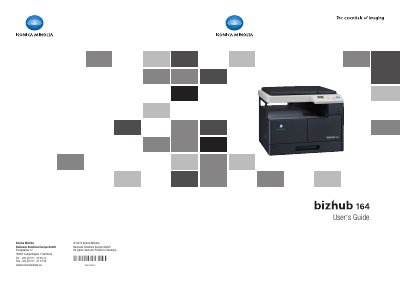

Konica Minolta bizhub 164 User's Guide - cover page
Brand
Konica Minolta
Category
Printer
Document type
User Manual
Language
English
Pages
138
File format
PDF
File size
3 MB
Published
16 October, 2023
Updated
16 October, 2023
MD5 checksum
4767EEF149618175E799C958FA1F3302

About this manual

This User's Guide covers the essentials of operating the Konica Minolta bizhub 164 imaging machine. It details basic copy operations, control panel functions, and how to configure settings for various tasks such as ID copy, combine originals, and sorting. The guide also explains how to load paper, manage toner, and use the machine's scanning capabilities via TWAIN and WIA drivers.

What's inside

  • Introduction
  • Safety information
  • Basic operations
  • Control Panel and functions
  • Print operations
  • Scanning a document
  • Paper types and paper capacities
  • Machine specifications
  • Troubleshooting
  • Index by button

Specifications

Product Namebizhub 164

Frequently asked questions

What is the purpose of the [ERASE] function?

The [ERASE] function allows users to remove unwanted marks or text from the original document before copying.

How do I clear a paper jam at the vertical transport section?

Follow the specific instructions in the troubleshooting section to clear paper jams at the vertical transport section.

Download PDF (3 MB)

More Konica Minolta Manuals


View all Konica Minolta manuals →