
WIND 2 is a bluetooth speaker that supports bluetooth connection, audio input, and has a built-in microphone. It can be used for biking and backpacks.
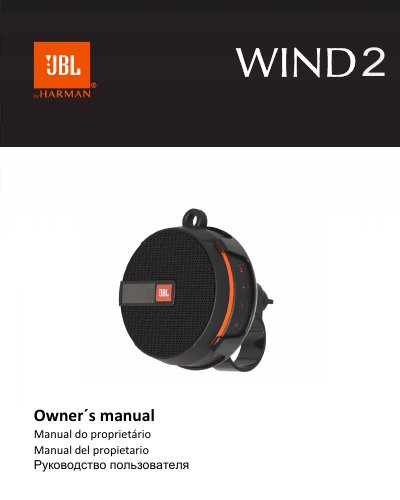
Congratulations on your purchase of the JBL WIND 2 portable speaker. This manual guides you through the initial setup, including charging the unit and connecting it to your electronic devices via Bluetooth, AUX cable, or Micro SD/TF card. It also details the various functions such as FM radio, hands-free calling, and volume control.
| Output power | 5W RMS |
|---|---|
| BT Version | 4.2 |
| Working range | up to 10m |
| Memory card capacity | 64GB |
| SPL Max | 80dB |
| Waterproof rating | IPX7 |
Turn on the speaker; the BT indicator will blink to signal pairing mode. Access BT settings on your device and select "JBL WIND 2".
The wireless working range is around 8-10 meters.
Press the "Play / Pause" button for 5 seconds to start pairing a new available device.