
This manual describes the installation, setup, and usage of the WHR-G54S Wireless Broadband Router.
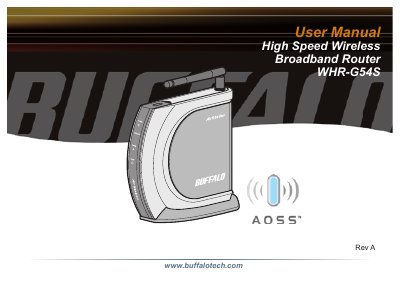
The Buffalo WHR-G54S is a wireless 4-port router network device that complies with the 2.4GHz IEEE 802.11g standard specification. It supports High Speed Mode technology and features enhanced built-in NAT/SPI firewall functions, serving as a multifunctional router and link between wired and wireless LAN computers. The device includes Wi-Fi Protected Access (WPA), TKIP, AES, and WEP security support, along with DHCP client/server functions and auto-roaming capabilities.
| Dimensions | 28 x 134 x 144 mm |
|---|---|
| Weight | 270g |
| Power Supply | 100-240 V AC Universal, 50/60 Hz |
| Power Consumption | About 3.4 W (Max) |
Buffalo Technology products come with a two-year limited warranty from the date of purchase.
It serves as a multi-functional router and link between wired and wireless LAN computers.
The device measures 1.10 x 5.28 x 5.67 inches (28 x 134 x 144 mm).
The unit consumes about 3.4 watts at maximum.