
This is a satellite phone, which can make phone calls, text messages, emails, weather forecasts, etc.
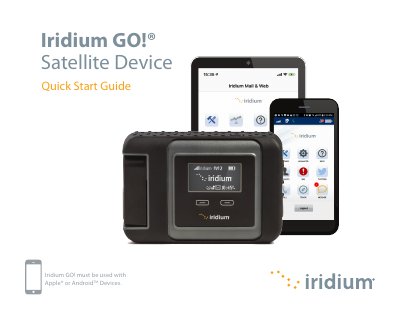
The Iridium GO! is a compact, rugged, and portable satellite device that creates a reliable network connection for smartphones anywhere on the planet. Powered by the global Iridium satellite network, it allows users to make phone calls, send text messages, email, download weather forecasts, and activate SOS in emergencies. The device requires a smartphone running Apple or Android operating systems to function.
| Compatible Devices | Apple or Android Devices |
|---|---|
| Wi-Fi Range | approximately 30 m (100 ft) |
The Iridium GO! must be used with Apple or Android Devices.
The smartphone or device must be within approximately 30 meters (100 feet) of the Iridium GO! device.
No, the device must be turned off at all times while on board aircraft.