
Iridium GO! exec is a smart companion for your smart devices.
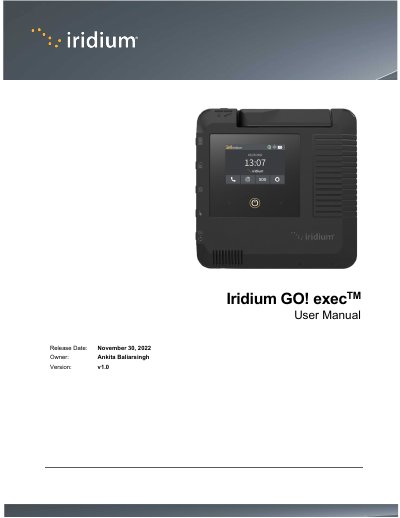
The Iridium GO! exec is a smart companion device designed to provide connectivity for smart devices in remote areas where cellular coverage is unavailable. This user manual covers essential topics including safety warnings, regulatory compliance, and initial setup procedures such as charging the device and inserting a SIM card.
The document details various methods to connect to the Iridium GO! exec via Wi-Fi, Ethernet, or SIP phones, and explains how to configure settings for voice calls, SOS functionality, and internet access. It also includes instructions for using the companion application and troubleshooting common issues.
The device has been evaluated to be under Maximum Permissible Exposure limits when used at a distance of greater than 20 cm from the human body.
Support is available online at www.iridium.com or by calling 1.480.752.5155 (Direct) and 1.866.497.4348 (Toll Free North America).