
Iridium GO! Mail & Web App Quick Start Guide

The Iridium Mail & Web application can be used to achieve global wireless network communication. The Iridium Mail & Web application must be downloaded, installed, registered, and paired with the device before it can be used.
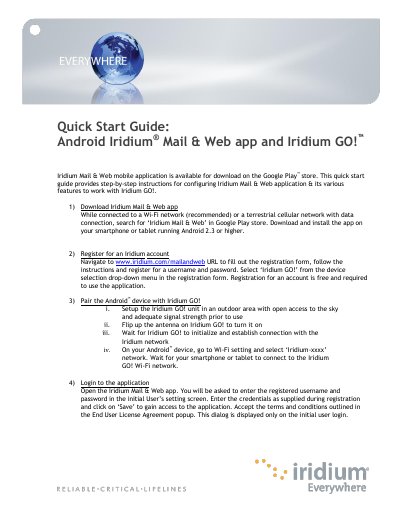

Iridium GO! Mail & Web App Quick Start Guide - cover page
Brand
Iridium
Category
Other software
Document type
Quick Start Guide
Language
English
Pages
8
File format
PDF
File size
1011 KB
Published
15 October, 2023
Updated
15 October, 2023
MD5 checksum
468D9AA065FEFEFFC4EFAEE4FF02F6A2

About this manual

The document serves as a quick start guide for the Iridium Mail & Web mobile application designed for use with the Iridium GO! device. It details the process of downloading the app from Google Play, registering for an account at www.iridium.com/mailandweb, and pairing an Android smartphone or tablet with the satellite unit via Wi-Fi.

What's inside

  • Download Iridium Mail & Web app
  • Register for an Iridium account
  • Pair the Android device with Iridium GO!
  • Login to the application
  • Configure device connection type
  • Configure Web surfing
  • Configure Social Media settings (Facebook)
  • Configure Social Media settings (Twitter)
  • Configure weather forecast service

Frequently asked questions

What Android version is required for the app?

The application requires an Android device running version 2.3 or higher.

Is registration for Iridium Mail & Web free?

Yes, registration for an account is required to use the application and it is free.

Can I upload photos via Facebook using this app?

Yes, you can upload photos which will be resized, compressed, and posted at a size that works over handheld satellite phone data feeds.

Download PDF (1011 KB)

More Iridium Manuals


View all Iridium manuals →