
Iridium Edge Installation Guide
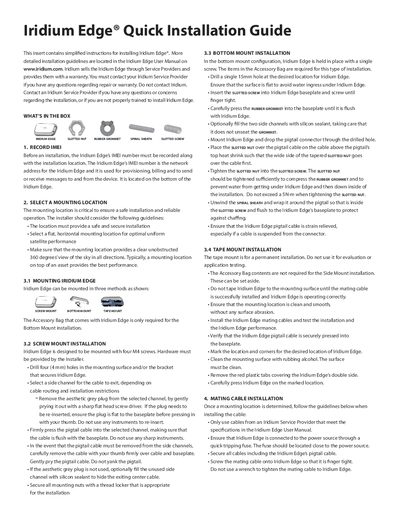
This guide provides simplified instructions for installing the Iridium Edge satellite device. It details recording the IMEI number, selecting a mounting location with a clear 360-degree sky view, and connecting the mating cable. More detailed guidelines are available in the full User Manual.
| Mounting screw size | four M4 screws |
|---|---|
| Drill hole size (Screw Mount) | four (4 mm) holes |
| Drill hole size (Bottom Mount) | single 15mm hole |
| Maximum tightening torque | 5N-m |
| Pacemaker distance | more than eight inches |
More detailed installation guidelines are located in the Iridium Edge User Manual on www.iridium.com.
You must contact your Iridium Service Provider if you have any questions regarding repair or warranty.
The IMEI number is the network address for the Iridium Edge and is used for provisioning, billing, and messaging.