
Key facts
- Brand
- Tobii Dynavox
- Model
- PCEye 5
- Documents
- 2
- Languages
- EN
- Last added
- 2023-10-15
Start here
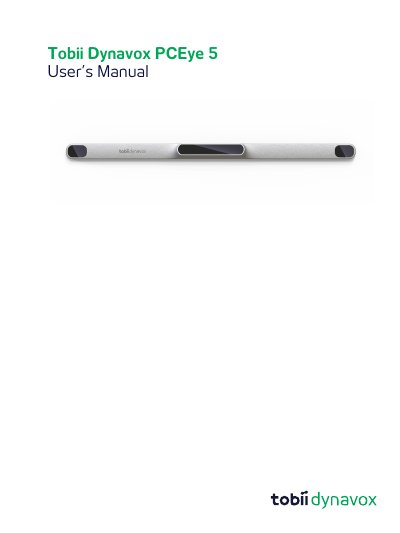
Tobii Dynavox PCEye 5 User's Manual
The Tobii Dynavox PCEye 5 is a clip-on eye tracker designed as an alternative input device to keyboards and mice. It enables users with challenges in speaking or accessing computers due to injury, disability, or illness to access and control their computer simply by looking at the screen. The device supports functions such as dwelling, zooming, clicking switches, and direct mouse cursor control via eye movements.
Read onlineTobii Dynavox PCEye 5 specifications
| Operating System | Windows 10 (64-bit) RS3 or newer |
|---|---|
| Processor Requirement | 2.0 gigahertz (GHz) or faster |
| Memory Requirement | 8 gigabyte (GB) RAM |
| Hard Disk Space | 450 megabyte (MB) |
All Tobii Dynavox PCEye 5 documents by type
Day-to-day operation, settings and troubleshooting. Start here if the product is already set up.
Questions answered in these manuals
What is the intended use of the PCEye 5?
The device is intended for Computer Control for Augmentative and Alternative Communication (AAC) and/or for computer access purposes as an alternative input device.
What is the PCEye 5 intended to do?
It is a clip-on eye tracker that lets you access and control your computer using only your eyes.
What is the intended use of the PCEye 5?
It is used for Computer Control for Augmentative and Alternative Communication (AAC) and/or computer access purposes as an alternative input device.
Can the PCEye 5 control medical devices?
No, while it controls a computer, it is not intended for the control of any other medical devices.