
This manual is the user manual for Fanvil X2 / X2P IP phone, which contains information on product installation, configuration and use.
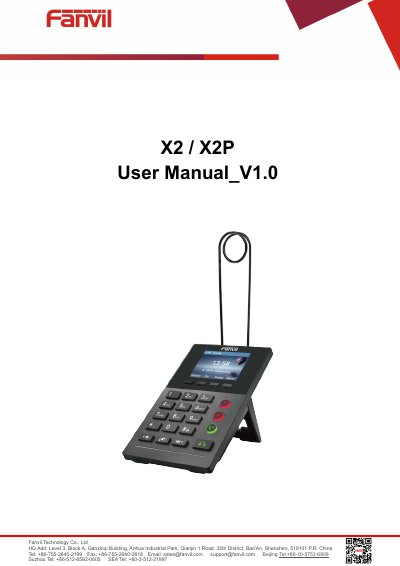
The Fanvil X2 and X2P are IP phones designed for VoIP communication. This user manual covers the complete lifecycle of the device, from initial installation via PoE or external power adapter to advanced configuration through the Web Portal.
Key topics include setting up network parameters such as SIP proxy servers and authentication details, managing contacts in the phonebook (including cloud integration), and utilizing call features like 3-way conferencing, call transfer, and forwarding. The guide also details how to adjust audio settings, manage device time and language, and troubleshoot common issues.
You can use either PoE (Power over Ethernet) or an external Power Adapter.
Yes, you can join or split two calls to create a 3-way local conference.
You can perform a 'Reset to Factory Default' operation in the system settings.