
Instructions for setting up custom panels in BD FACS SPA and BD FACSDiva software for use with the BD FACSLink laboratory information system interface.
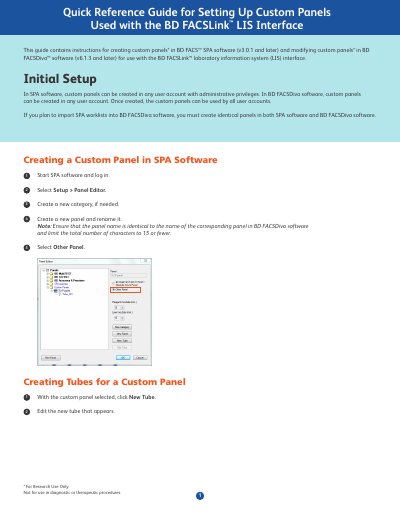
This guide provides instructions for creating custom panels in BD FACS SPA software (v3.0.1 and later) and modifying them in BD FACSDiva software (v6.1.3 and later) for use with the BD FACSLink laboratory information system (LIS) interface. It covers initial setup, creating custom panels, and configuring reagent racks.
The total number of characters in the panel name must be limited to 15 or fewer.
Custom panels can be created in BD FACS™ SPA software version 3.0.1 and later, and in BD FACSDiva™ software version 6.1.3 and later.
The interface is for Research Use Only and is not for use in diagnostic or therapeutic procedures.