
eletech DP- 702AR User’s Guide. This device is an MP3 player that can play preloaded files or connect to an external music source.
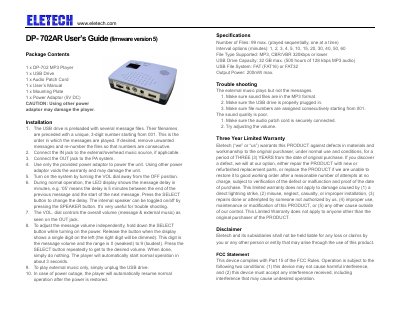
This document is the User's Guide for the Eletech DP-702AR, a public address player designed to play preloaded audio messages. The guide details the package contents, including the player, USB drive, and power adaptor, and provides instructions for connecting the device to an external music source and PA system. It explains how to configure message delays, adjust volume levels for both messages and external music, and operate the internal speaker.
| Number of Files | 99 max |
|---|---|
| Interval options | 1, 2, 3, 4, 5, 10, 15, 20, 30, 40, 50, 60 minutes |
| File Type Supported | MP3, CBR/VBR 320kbps or lower |
| USB Drive Capacity | 32 GB max |
| USB File System | FAT (FAT16) or FAT32 |
| Output Power | 200mW max |
Only the provided power adaptor (5V DC) should be used; using other adaptors may damage the unit.
Hold down the SELECT button while turning on the power until the display shows a single digit, then press SELECT repeatedly to set the volume.
The maximum USB drive capacity is 32 GB.