
This is the user manual for the eleTech miniBOX Music-on-Hold Player, covering installation steps, product features, application scenarios, and troubleshooting.
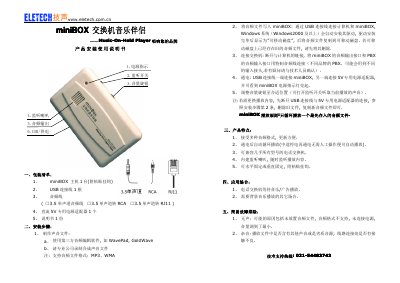
The eleTech miniBOX is a compact device designed to play music or advertisements on hold systems connected to telephone exchanges. The package includes the main unit with an adhesive hook, USB cables, audio cables (various types), a 5V power adapter, and this manual.
To install the device, users must first create MP3 or WMA audio files using editing software like WavePad or GoldWave. These files are then copied to the miniBOX via USB connection on a Windows system. Finally, the device is connected to the PBX audio input interface and powered on to begin automatic loop playback. This manual is written in Chinese.
The device supports MP3 and WMA audio file formats.
You must use a dedicated 5 V DC power adapter.
The driver is automatically installed on Windows systems running Windows 2000 or later.