
This is the user manual for the DP-600 product. It introduces the features and usage of the product.
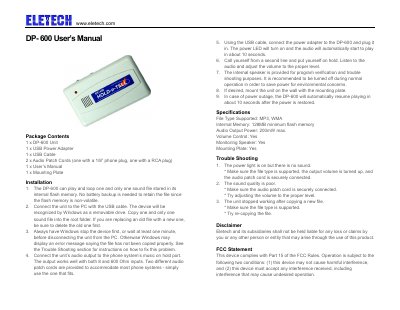
The Eletech DP-600 is a compact audio playback device designed for music-on-hold applications. It features internal flash memory to store sound files and connects directly to a PC via USB for file management without requiring a battery backup.
Installation involves connecting the unit to a computer using the provided USB cable, copying a single supported audio file (MP3 or WMA) to the root folder, and then powering the device with an external adapter. The unit outputs audio through RCA or 1/8" phone plugs compatible with various phone system inputs.
| Supported File Types | MP3, WMA |
|---|---|
| Internal Memory Capacity | 128MB minimum flash memory |
| Audio Output Power | 200mW max. |
The unit plays and loops one and only one sound file stored in its internal flash memory.
No, no battery backup is needed because the internal flash memory is non-volatile.
The package includes two audio patch cords: one with a 1/8" phone plug and one with an RCA plug.