
The Eletech EM38AM/EM38AR-M/EM38AX-M Modbus RTU audio player manual provides specifications, wiring, Modbus commands, and troubleshooting.
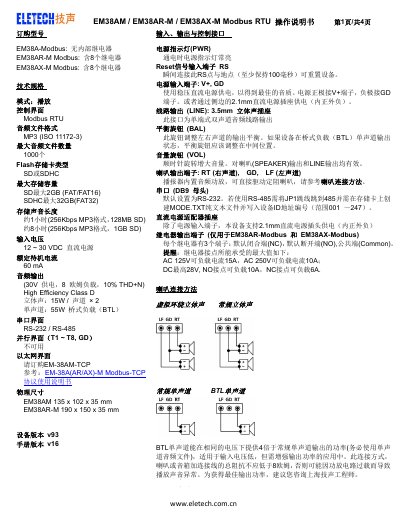
The EM38 series are Modbus RTU audio players designed for industrial environments. They support MP3 playback from SD/SDHC cards, provide stereo or bridge‑mode output, and include optional relay modules for control applications.
This manual describes the technical specifications, power and audio interfaces, Modbus serial connection settings, register functions, installation wiring, and troubleshooting steps. It also includes example Modbus commands for playback control and volume adjustment. This manual is written in Chinese.
| Audio file format | MP3 (ISO11172-3) |
|---|---|
| Maximum audio files | 1000 |
| Input voltage | 12–30 VDC |
| Standby current | 60 mA |
| Audio output power | Stereo 15 W per channel, Mono 55 W BTL |
| Serial interface | RS‑232 / RS‑485 |
| Physical dimensions | EM38AM 135×102×35 mm, EM38AR‑M 190×150×35 mm |
| Relay output rating (AR/AX models) | AC125 V 15 A, AC250 V 10 A, DC 28 V 10 A |
Connect the Reset signal input (RS) for at least 100 ms to reset the unit.
Create a plain‑text file named MODE.TXT on the storage card and write the three‑digit decimal ID (001‑247) as the first line.
Each audio file must start with a three‑digit number (001‑999) followed by the filename, e.g., "001demo.mp3".