
DP-502 is the eletech Networked Onhold Player user's manual, which supports WAV and MP3 files format. The device supports remote content updating via the Internet, making it ideal for installations where central management is appreciated and/or mandated.
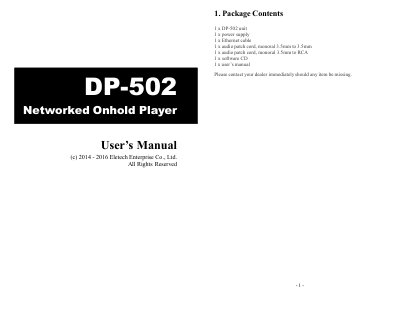
The Eletech DP-502 is a music on hold player that supports WAVE and MP3 files and allows for remote content updates via the Internet. It is designed for installations requiring central management, where multiple devices can connect to a central server to download updates automatically. The device stores up to 13 audio files locally and loops through them based on the date, automatically switching to a new month file when the date changes.
The manual details the hardware installation, including connections for power, audio outputs (unbalanced and balanced), and the SD card slot. It also explains the software setup, which involves installing the Server Program and Console Program on a Windows PC. Users can configure the device via a web browser using default credentials or by using the provided ETM utility to locate the device's IP address.
| Supported Audio Formats | MP3 (ISO11172-3, CBR/VBR, mono/stereo), WAV (mono PCM, 8/16-bit, up to 44.1 KHz) |
|---|---|
| Local Storage Capacity | Up to 13 sound files (1 generic and 12 months) |
| Supported SD Cards | SD (up to 2GB) and SDHC (4~32 GB) |
| Network Interface | 10/100BaseT RJ-45 Ethernet port |
| Power Input | DC 12V |
| Audio Output | O/P Jack - 8 Ohm Unbalanced, O/P Jack - 600 Ohm Balanced |
The default user name is dp502 and the default password is 1234.
The device uses a pull type scheme where it connects to a central server at a scheduled time to download updates if available.
No, the server must have a static IP address in order for the devices to find it.