
With the DP-702 MP3 player, you can play audio files stored on a USB drive and connect to an external background music source. The player has an internal speaker that is useful for content verification and troubleshooting.
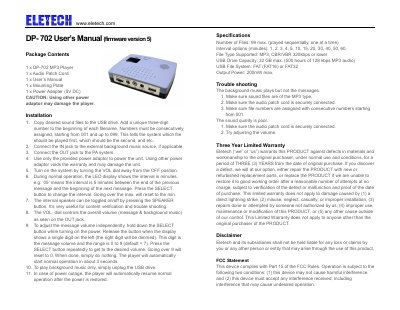
The Eletech DP-702 is an MP3 player designed to play background music and voice messages sequentially. The package includes the player, audio patch cord, mounting plate, power adapter, and user manual. To operate, users must copy sound files with specific naming conventions (three-digit numbers starting from 001) onto a compatible USB drive.
| Number of Files | 99 max. |
|---|---|
| Interval options (minutes) | 1, 2, 3, 4, 5, 10, 15, 20, 30, 40, 50, 60 |
| File Type Supported | MP3, CBR/VBR 320kbps or lower |
| USB Drive Capacity | 32 GB max. |
| Output Power | 200mW max. |
The player supports a maximum of 99 files, which are played sequentially.
The device requires the FAT (FAT16) or FAT32 file system.
Hold down the SELECT button while turning on power, then use the SELECT button to set the digit.