
G1000 VHF NAV/COM Pilot's Guide introduces the operation of G1000 VHF NAV/COM product, including settings, operations and maintenance.
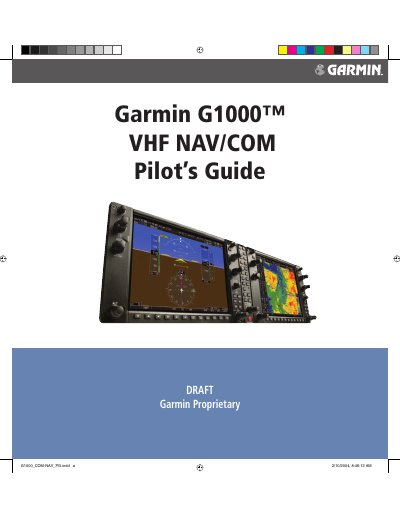
This document serves as a pilot's guide for the Garmin G1000 VHF NAV/COM communication and navigation system. It details the interface description, including windows, fields, color codes, and control functions.
The manual provides step-by-step instructions for operating COM (Communication) and NAV (Navigation) radios, managing frequencies, utilizing automatic squelch, and performing emergency tuning to 121.500 MHz. It also covers frequency auto-tuning features integrated with the PFD and MFD displays.
This manual reflects the operation of Main System Software version TBD or above.
You can quickly tune and activate 121.500 MHz using the specific procedure described in section 2.9.