
iBright ™ CL750 Imaging System User Guide. This manual describes the installation, operation, and maintenance of the iBright™ CL750 Imaging Systems.
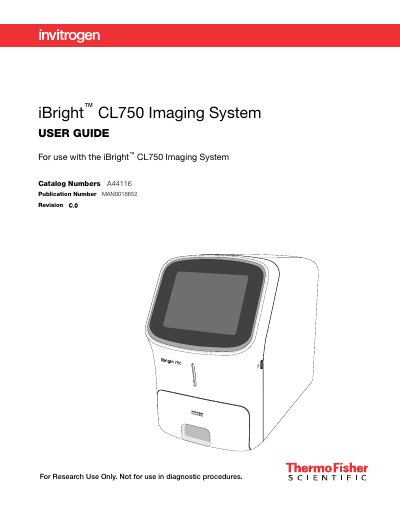
The iBright CL750 Imaging System is designed to image chemiluminescent Western blots, DNA and RNA gels stained with fluorescent nucleic acid stains, and visible protein gels. The instrument features a simple design with an intuitive touchscreen interface for starting workflows and creating high-resolution images directly on the device.
| Dimensions (L × W × H) | 68.0 × 38.2 × 59.8 cm |
|---|---|
| Weight | 52 kg (115 lbs) |
The system allows users to image chemiluminescent Western blots, DNA and RNA gels stained with fluorescent nucleic acid stains, and visible protein gels.
The maximum power dissipation for the iBright Imager is approximately 960 W (not including computer and monitor).