
This document is the AccuSync AS193i User's Manual, which mainly introduces the product's registration information, recommended use, contents, quick start, controls, specifications, features, troubleshooting, TCO Certified Displays 6 and Manufacturer's Recycling and Energy Information
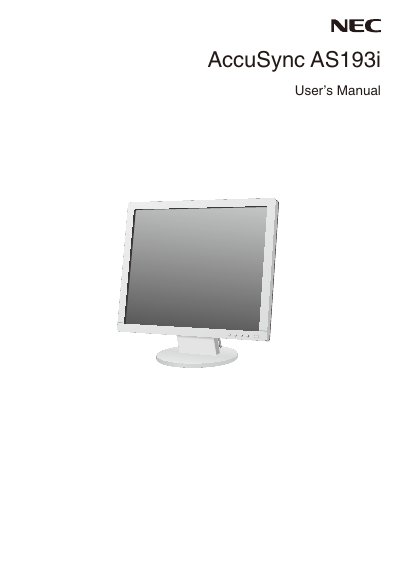
The document serves as a user guide for the NEC AccuSync AS193i LCD color monitor. It covers essential topics including registration information, recommended usage practices, control descriptions, technical specifications, features, and troubleshooting steps.
A significant portion of the manual is dedicated to safety precautions and maintenance guidelines. These include warnings against opening the cabinet due to high voltage risks, instructions on proper power cord usage for different regions (North America, Europe, China, Japan), and specific care instructions for the LCD panel to prevent damage from pressure or image persistence.
Turn off the monitor for as long as the previous image was displayed, such as turning it off for one hour if the image remained visible for that duration.
The power supply cord must be non-shielded, have three conductors, and feature an MS plug shape.
The user can reorient the antenna, increase separation between equipment and receiver, or connect to a different circuit.
The monitor should be turned off for one hour to erase the image.