
Innovate Motorsports DB Digital Air/Fuel Gauge Installation Guide

This document is the user manual for the DB digital air/fuel gauge. It introduces the installation and usage methods of the DB digital air/fuel gauge.
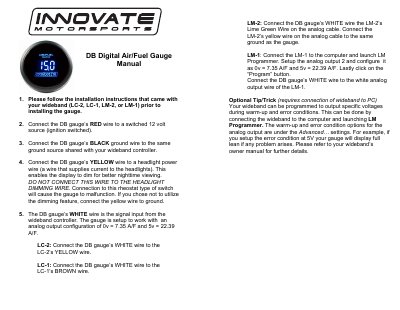

Innovate Motorsports DB Digital Air/Fuel Gauge Installation Guide - cover page
Brand
Innovate Motorsports
Document type
User Manual
Language
English
Pages
1
File format
PDF
File size
23 KB
Published
12 October, 2023
Updated
12 October, 2023
MD5 checksum
8D95579E8FF50ABFD835219170FE4292

About this manual

This manual provides installation instructions for the Innovate Motorsports DB Digital Air/Fuel Gauge. It details how to connect the gauge's power, ground, dimming, and signal wires to ensure proper operation.

The document specifies wire color codes (Red, Black, Yellow, White) and their respective connections. It also outlines compatibility with various wideband controllers including LC-2, LC-1, LM-2, and LM-1.

What's inside

  • Installation Instructions
  • Wiring Connections
  • Wideband Controller Compatibility
  • Signal Input Setup
  • Dimming Feature Configuration

Frequently asked questions

What must be done before installing the DB Digital Air/Fuel Gauge?

You must follow the installation instructions that came with your wideband controller prior to installing the gauge.

How should the DB gauge's RED wire be connected?

Connect the DB gauge's RED wire to a switched 12 volt source, such as ignition switched power.

What is the correct connection for the DB gauge's WHITE wire when using an LC-2 controller?

Connect the DB gauge's WHITE wire to the LC-2's YELLOW wire.

Download PDF (23 KB)

More Innovate Motorsports Manuals


View all Innovate Motorsports manuals →