
Jabra M5390 Multiuse Headset User Manual. This manual describes how to fit the headset, how to connect it to your desk phone and mobile phone, and how to make and receive calls.
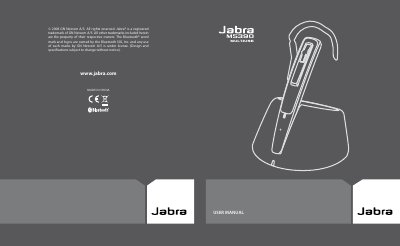
The Jabra M5390 Multiuse Headset is designed to connect simultaneously to mobile phones and desk phones, or to mobile phones and PC softphones. It is supplied with a Jabra A335w Dongle and a Jabra M5390 Multiuse Base. The headset supports wideband technology compliant with TIA-920 specifications for clear voice reception and transmission.
| Charging time (full) | about 2 hours |
|---|---|
| Minimum charge before use | 30 min |
| Technology compliance | TIA-920 specifications |
Press the Answer/End button for 1 sec, or place the headset in the charge cradle.
Press the Answer/End button for 2 sec.
The indicator flashes green while charging and remains steady green when fully charged.