
This document is the user manual for JVC GY-HD111 HD camcorder. It provides instructions on the controller, indicator lights, and sockets of the camcorder, as well as the settings and adjustments before shooting, shooting operations, and playback methods. It also explains the use of external devices, menu screens, and the features of the camera section. The document includes important safety information and environmental requirements.
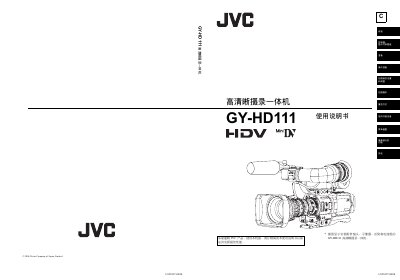
This document is the user manual for the JVC GY-HD111 high-definition camcorder. It covers essential topics including safety precautions, preparation steps, recording and playback operations, menu settings, and the functions of the camera section. The manual is intended for users to ensure the device performs at its best. This manual is written in Chinese.
| Video Format | HDV or DV format |
|---|---|
| HDV Formats | HDV 720p and HDV 1080i |
| CCD System | 3-CCD system |
| CCD Sensor Size | 3-1/3" |
| Power Supply | DC 6.5V ~7.9V |
The camcorder should be used within an ambient temperature range of 0°C to 40°C.
Only MiniDV tapes marked with the JVC logo are recommended for use.
The tape heads should be cleaned with a dedicated cleaning tape before important recordings and checked by a service station every 500 hours of use.
No, tapes recorded in DVCAM format can only be played back; recording in DVCAM format is not supported.