
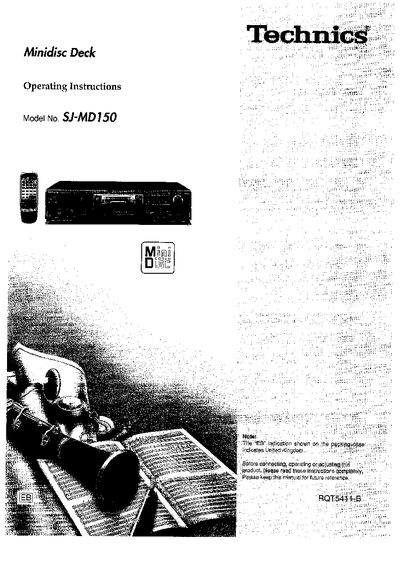
This manual provides safety guidelines, wiring information and connection diagrams for the Technics SJ-MD150 Minidisc Deck. It explains how to set up the AC mains lead, connect analog and digital optical inputs, and use the remote control.
Detailed operating procedures cover basic and advanced recording, playback modes, editing functions, timer recording, error messages, troubleshooting and routine maintenance. Accessories and technical specifications are listed at the end of the document.
| Fuse rating | 5 A |
|---|---|
| Fuse approval | ASTA or BSI to BS 1362 |
| Mains lead plug type | UK three‑pin molded plug |
| Mains lead wire colors | Blue = Neutral, Brown = Live |
| DC power source usage | Not permitted |
A 5‑ampere fuse approved by ASTA or BSI to BS 1362 must be used.
Open the fuse cover with a screwdriver, replace the fuse, and close the cover.
Blue indicates neutral and Brown indicates live.
No, a DC power source cannot be used with this unit.