
This manual introduces the basic operation methods of BR-1600CD, from connecting other devices, turning on/off, adjusting the display contrast and other common operations, to preparing a song for recording, selecting a recording source, adjusting the input volume, mixing, and making an original audio CD.
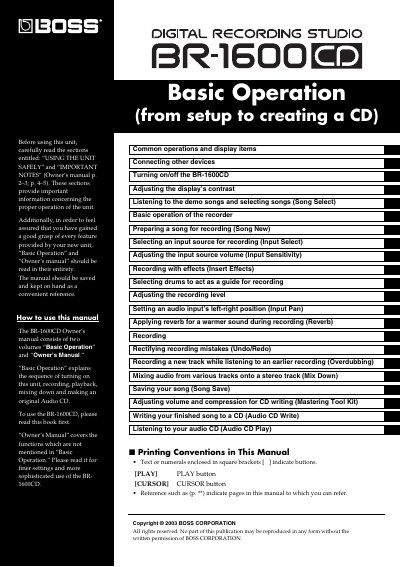
This manual serves as the primary guide for the BOSS BR-1600CD, a portable recording studio. It is divided into two volumes: "Basic Operation" for the sequence of turning on the unit, recording, playback, mixing down, and creating an Audio CD, and "Owner's Manual" for finer settings and sophisticated functions not covered in the basics. The document details how to connect various devices, operate the display and controls, and manage recording tracks.
| Display Format | MIDI Time Code (MTC) |
|---|
The manual consists of "Basic Operation" for general usage and "Owner's Manual" for finer settings and sophisticated use.
The top screen presents the name of the currently selected song, the current position within the song, the level meters, and remaining recording time on the hard disk.
The current position is indicated in terms of time at the top right of the display, as well as in terms of bars and beats to the left of this time value.
When the device cannot fit all content, arrows appear on the left and right of the screen to indicate that some content is hidden in the direction of the arrow.