
This document is the user manual for IC-2720H, which introduces the connection and installation of the radio, the introduction of front panel buttons and knobs, and function display.
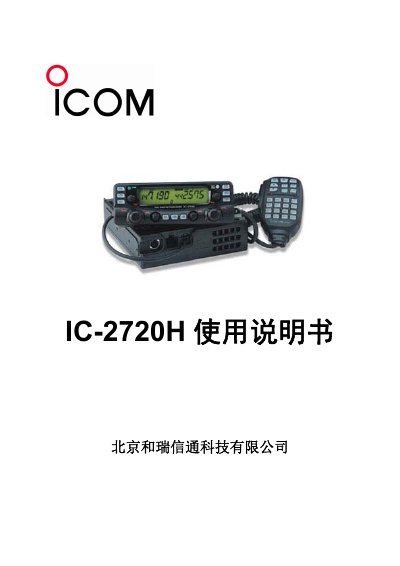
This document is the user manual for the ICOM IC-2720H wireless radio station. It covers the installation of the radio on a stand, power connection requirements (13.8V DC), and detailed explanations of the front panel keys and knobs. The guide explains how to operate the power, function lock, priority, tone, and scanning features. This manual is written in Chinese.
| Power Supply Voltage | 13.8V DC |
|---|---|
| Power Supply Current | Greater than 13 Amps |
| Frequency Range | 127, 145, 220, 350, 450, 500, 900 MHz |
| Tone Range | 67.0 to 254.1 Hz |
| Digital Tone Range | 104 codes |
Press and hold the [PWR] key for 1 second.
The power supply must provide 13.8V DC and a current greater than 13 Amps.
Press the [BAND] key to switch between 127, 145, 220, 350, 450, 500, and 900 MHz bands.
Press the [LOW/DUP] key to select high, medium, or low power output.