
This document provides information about the products, regulations, and disclaimers of Edimax Technology Co, LTD. The company reserves the right to revise the document. The purchased product may appear slightly different from the one shown in the document. For more detailed information, please refer to the User's Manual on the CD-ROM.
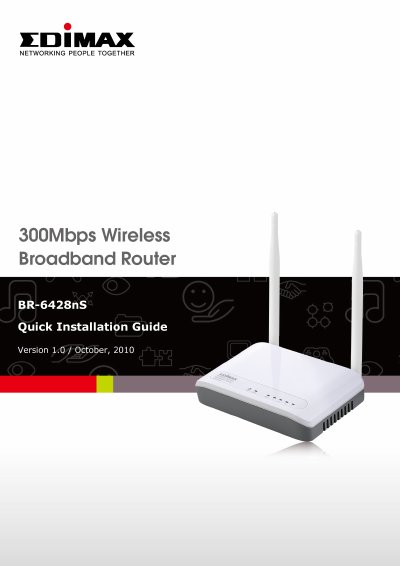
This document is the User Manual for the Edimax BR-6428nS wireless broadband router. It covers safety information, product identification, and the contents of the package. The manual details the appearance and functions of the device, including descriptions of the front panel LED indicators and rear panel ports. This manual is written in Chinese.
| Wireless Transmission Rate | 300Mbps |
|---|
The package includes the wireless broadband router (with antenna), installation CD, installation guide, power adapter, and network cable 1.
The WPS LED indicates that the WPS mode has been started when it is constantly lit.
Press the Reset button for about 20 seconds or more to restore the router to factory default settings.