
This document is copyrighted by Edimax Technology Co, LTD. and prohibits unauthorized reproduction, transmission, transcription, storage, translation, etc. The document describes the features and characteristics of the company's products.
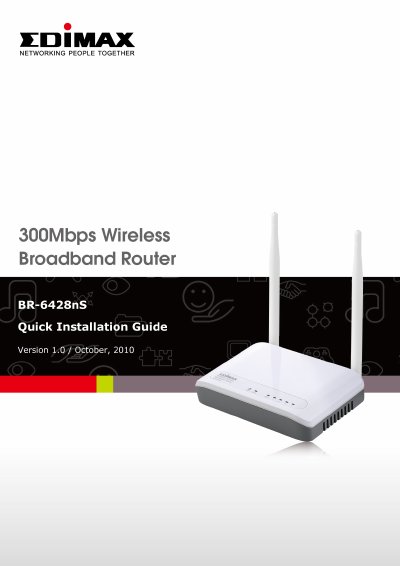
The Edimax BR-6428nS is a high-performance wireless broadband router designed for home and personal office use. It supports wireless transmission speeds up to 300Mbps and connects to ADSL or Cable modems to allow multiple computers and network devices to share a high-speed internet connection. The device features a front panel with LED indicators for power, WLAN status, and data activity, as well as a rear panel with ports for connecting personal computers, printers, and switches. This manual is written in Chinese.
| Wireless Transmission Rate | 300Mbps |
|---|
The package includes the wireless broadband router (with antenna), installation CD, installation guide, power adapter, and network cable.
Pressing the WPS button for 5 seconds allows pairing with a wireless network card.
Press and hold the Reset button for about 20 seconds to restore the router to its factory default settings.