
This document is a technical reference guide for the product. It describes the features and advanced usage methods of the product, as well as precautions for replacement, handling, and installation. It also provides necessary information for controlling the printer and developing applications, including general specifications and character code tables.
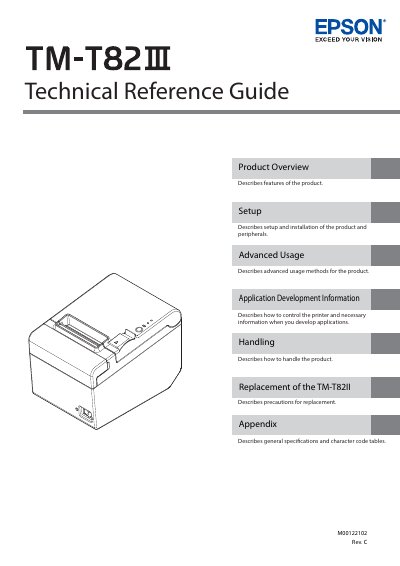
The Epson TM-T82II is a thermal point-of-sale (POS) printer designed for high-speed printing in retail environments. This Technical Reference Guide provides comprehensive information on product features, configurations, and status indicators to assist users in understanding the device's capabilities.
The manual details the complete setup process, including physical installation, connecting various interfaces such as USB, Serial, Parallel, Ethernet, and Wireless LAN, and attaching optional peripherals like cash drawers and external buzzers. It also covers advanced usage modes for configuration and troubleshooting.
You must not modify or attempt to repair the cable, and you should avoid excessive bending, twisting, or pulling of it.
You must not use aerosol sprayers containing flammable gas inside or around this product because doing so may cause fire.
You must not touch the thermal head and the frame on its side during or immediately after use because they can be very hot.