
This user manual provides detailed instructions for using the TS-109 Turbo Station. Please read carefully and start enjoying the powerful functions of the TS-109!
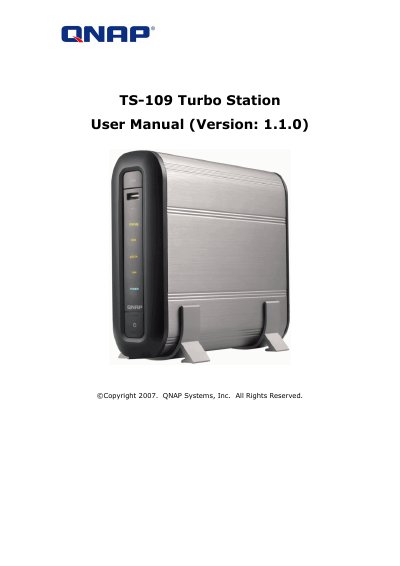
The QNAP TS-109 Turbo Station is a compact, fanless 9-in-1 server designed for home and small office use. It features an aluminum design with excellent heat dissipation and supports SATA disks up to 1TB or more via eSATA/USB ports. Key capabilities include acting as a multimedia station compatible with DLNA/iTunes, a download station using QGet software, and various server roles such as Web Server, FTP Server, and Backup Server.
| Operating Temperature | 0 ºC - 35 ºC |
|---|---|
| Relative Humidity | 0%-85% |
| Power Supply Voltage | 90-264V |
| Maximum Power Consumption | 36W |
| SATA Disk Support | up to 1TB or above |
| USB Ports | 3 high speed USB 2.0 ports |
| Network Interface | Gigabit Ethernet |
The TS-109 supports SATA disks of up to 1TB or above.
No, it features a fanless design for quiet operation.
Yes, the TS-109 supports iTunes service to enable computers in LAN to play shared songs.