
This document provides instructions on how to use Nextel Direct Connect®, including steps on making direct connect calls and navigating the phone.
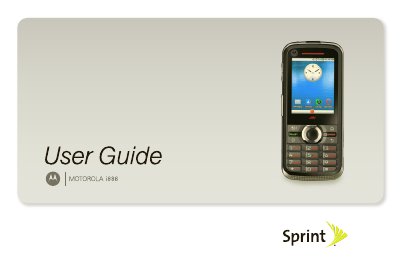
The Motorola i886 is a mobile phone designed for use with Nextel Direct Connect services. This manual covers essential functions including making calls, sending text messages, managing contacts, and accessing web browsers like Opera Mini.
The guide details how to navigate the phone's interface using the navigation key and QWERTY keyboard. It also explains specific features such as Dual Microphone Noise Cancellation, Bluetooth connectivity, camera usage for taking pictures and videos, and setting up voicemail.
| Document Manual Number | NNTN8046A |
|---|---|
| FCC ID | IHDP56LL1 |
Enter the DC number including an asterisk, press and hold the Direct Connect button on the side of the phone until you finish speaking, then release.
From your wireless phone, press and hold 1, enter your password when prompted.
Select Messaging > New message, enter the recipient's number or email address, type the message, and press the send key.