
This document is an introduction to the HP Officejet 6500A (E710) e- All-in-One series user manual, including printer component description, control panel usage, media selection and usage, accessory installation, and printing.
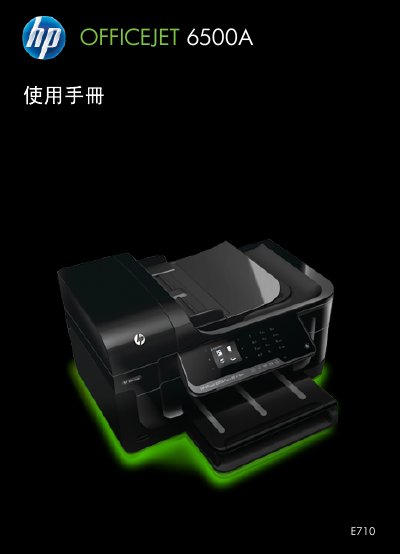
This document is the user manual for the HP Officejet 6500A (E710) e-All-in-One series. It covers the setup, operation, and maintenance of the multifunction device, which includes printing, scanning, copying, and faxing capabilities. The guide details how to use the control panel, load various media types, and manage ink cartridges. This manual is written in Chinese.
You must unplug the power cord from the wall outlet before cleaning the product.
No, you should not install or use the product in wet areas or when you are wet.
No, there are no parts inside the product that are available for user repair.