
This document is the user manual for VTR8400 VoiceTracer audio and video recorder, which introduces the features and usage of the product.
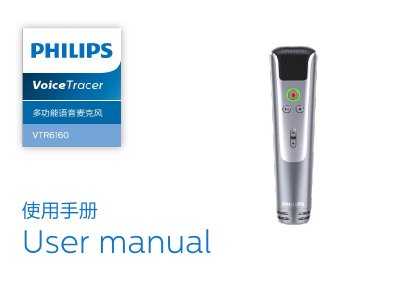
The Philips VoiceTracer VTR840 is a multifunctional voice microphone designed for various scenarios including meetings, speeches, and entertainment. Key features include one-touch recording across multiple modes, on-site speech-to-text conversion suitable for conferences, and music singing capabilities with wireless K-song mode.
To use the device, insert a supported MicroTF card (4G to 32G) as the unit has no internal memory. Users can record audio in WAV format at 176.4kbps or convert speech to text by connecting via Type-C cable to a PC running Windows XP through Linux and using the provided software. This manual is written in Chinese.
You must press and hold the power button for 2 to 3 seconds.