
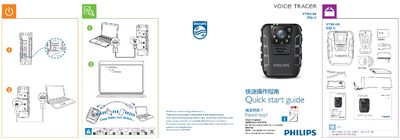
This quick start guide introduces the Philips VTR8100 Voice Tracer recorder. It provides basic instructions for powering the device on and off, navigating the main menu, and accessing the user manual online.
The guide lists the available recording settings such as video resolution, frame rate, photo size, LED brightness, and mode selection (NTSC/PAL). It also shows how to adjust microphone sensitivity, motion detection, and other default parameters.
| Supported video resolutions | 1920 x 1080 30P, 1280 x 720 30P, 848 x 480 30P |
|---|---|
| Recording mode | NTSC / PAL |
| Photo size options | 848 x 480 |
| LED brightness levels | Multiple levels (Low, Medium, High) |
The recorder supports 1920 × 1080 at 30 fps, 1280 × 720 at 30 fps, and 848 × 480 at 30 fps.
Select the desired mode; the guide lists NTSC and PAL as the available options.