
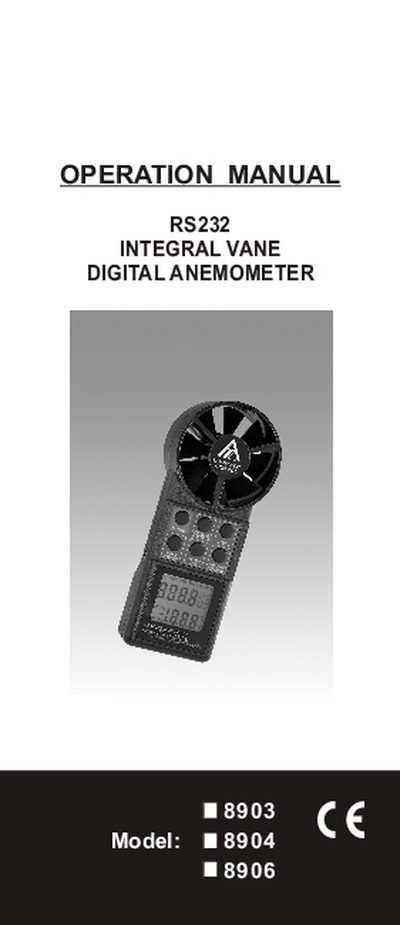
This operation manual covers the Integral Vane Anemometer models 8903, 8904 and 8906. It explains how to measure air velocity, airflow volume, and temperature, and describes the various measurement modes such as single‑point, continuous moving average, and multi‑point averaging. The manual also details the keypad functions, display indicators, and how to use the RS232 interface for data logging.
Additional sections describe how to change default units, enable non‑sleep mode, configure the RS232 output format, and perform basic maintenance. Warranty information, return authorization procedures, and compliance certifications are also included.
| Battery Life | 100 Hours |
|---|---|
| Display Type | LCD |
| Display Size | 37mm x 42mm (1-1/4" x 1-5/8") |
| Max Reading | 9999 |
| Dimensions | 183mm(L) x 76mm(W) x 45mm(D) |
| Fan Diameter | 70mm (2-7/8") |
| Auto Power Off | Approx. 20 minutes |
| Airflow Range | 80‑5900 ft/min (2% of reading +0.2 m/s) |
| Temperature Range | -10 °C to 50 °C |
Press the ON button and HOLD key at the same time, then release the ON button; an "n" will appear on the LCD indicating non‑sleep mode.
Press the HOLD key while the unit is on; the LCD will change to display metric units (m/s, °C).
The RS232 output format is TXXX.XF, VXXXXF for velocity and temperature, and TXXX.XC, VXXXXM for other data.
The anemometer provides up to 100 hours of battery life.