
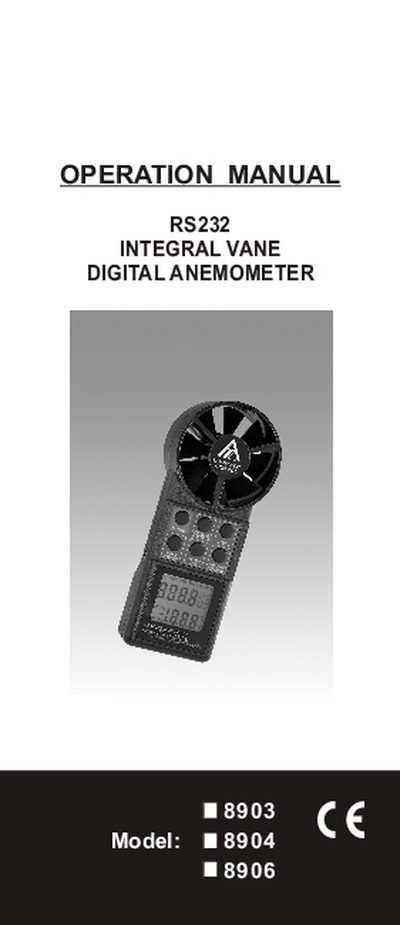
This operation manual explains how to use the Integral 8903/8904/8906 Vane Anemometer for measuring air velocity, airflow volume, and temperature in residential and commercial HVAC applications. It describes the keypad functions, measurement modes (single‑point, continuous moving average, multi‑point, min/max/avg), and how to switch between imperial and metric units.
The manual also covers the RS232 interface for data logging, power‑off behavior, battery life, warranty information, and detailed technical specifications such as display size, measurement range, accuracy, and dimensions.
| Display Type | LCD |
|---|---|
| Display Size | 37 mm × 42 mm (1‑1/4" × 1‑5/8") |
| Maximum Reading | 9999 |
| Dimensions | 183 mm (L) × 76 mm (W) × 45 mm (D) |
| Battery Life | 100 hours |
| Auto Power‑Off | ≈ 20 minutes |
Press the HOLD key; the LCD will change to display metric units such as "m/s, C".
Press the ON button and the HOLD button at the same time, then release the ON button; an "n" will appear on the LCD indicating non‑sleep mode.
Plug the optional RS232 cable into the meter’s DC jack, then connect the D‑sub 9‑pin connector to the computer’s COM port.