
This guide provides instructions for using the MF4600 Series scanner, including installation, basic functions, maintenance, and troubleshooting.
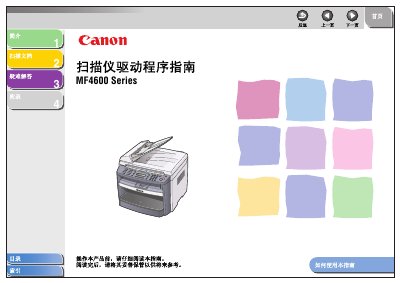
The Canon MF4600 Series is a color flatbed scanner designed to digitize documents with high resolution. This user guide covers installation procedures, software setup using drivers like TWAIN and WIA, and basic operation features.
The document details how to scan documents directly from the device or via computer applications such as MF Toolbox and ScanGear MF. It also includes sections on advanced settings for image quality, network configuration, and troubleshooting common scanning issues. This manual is written in Chinese.
| Type | Color Scanner |
|---|---|
| Maximum Scan Size | 8 ½ inch x 14 inch (216mm x 356mm) |
| Optical Resolution | 600 x 1200 dpi |
| Enhanced Resolution | 9600 x 9600 dpi |
| Host Interface | USB 1.1, USB 2.0 |
The scanner supports Windows 98/98SE/Me, 2000 Professional, XP, and Vista.
The device is compatible with TWAIN and WIA (only for Windows XP/Vista).