
This document introduces a gamepad called iPega, which supports playing games on Android devices and Windows PC, and can also connect to PS3 via Bluetooth for gaming. The gamepad has various functions such as simulator function and acceleration function.
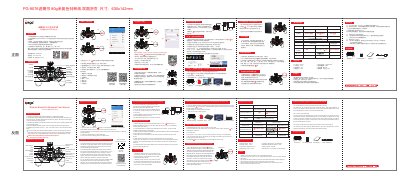
This document is the user manual for the iPega PG-9076 Batman 3-in-1 Bluetooth Gamepad. It provides instructions for connecting the device to various platforms including Android, iOS, Windows PCs, and PS3 consoles using Bluetooth, 2.4G wireless, or USB wired modes. The guide covers operating the gamepad in different modes such as standard game mode, mouse mode, and iOS game hall mode. This manual is written in Chinese.
| Working voltage | DC3.7V |
|---|---|
| Working current | 30 mA |
| Consecutive Usage Hours | 10H |
| Sleep mode current | <10uA |
| Charging voltage/current | DC5V/500mA |
| Bluetooth transmission distance | ≤8M |
| Battery capacity | 380mAh |
| Standby time | up to 30days |
First, press the key that needs the turbo function, for example, the A key and then, press the Turbo key.
First, press the key that has been set up with the turbo function, for example, the A key and then, press the Turbo key.
The current mode indicator light will blink rapidly to indicate low battery.
No, it supports Win7/Win8/Win10 PC without any drivers.