
This manual covers the setup, operation, and remote learning features of the iPega PG-9072 Bluetooth game controller for iOS, Android, and PC devices.
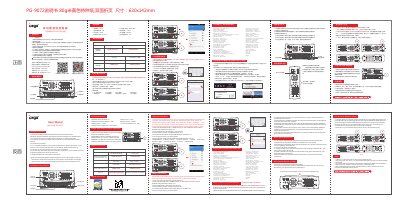
The iPega PG-9072 is a multi-functional gamepad controller designed to support gaming on iOS non-jailbreaking devices, Android tablets/smartphones, and Windows 8/10 PCs. It features Bluetooth 4.0 connectivity with a transmission distance of up to 8 meters and supports various input modes including GamePad (D_INPUT), HID for keyboard/mouse simulation, and iCade mode for iOS.
| Bluetooth version | Bluetooth 4.0 |
|---|---|
| Transmission distance | 8M |
| Working current | 30 mA |
| Charging input voltage/current | DC5V/380mA |
| Static current | <30uA |
| Battery capacity | 320mAh |
| Continuous gameplay time | 12H |
Press and hold iCade button + HOME button for 2 seconds until the Bluetooth LED indicator flashes quickly, then select 'PG-9072' from the search results.
The Bluetooth transmission distance is up to 8 meters.
Yes, it works on Win8/Win10 PCs via Bluetooth keyboard inputting without any drivers.