
The iPega PG-9078 Bluetooth gamepad manual explains setup, charging, sleep mode, and button functions for Windows, Android and iOS devices.
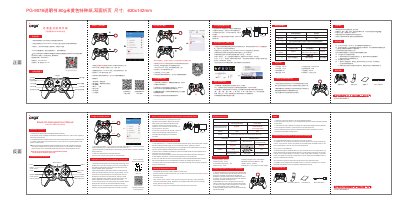
This manual provides step‑by‑step instructions for using the iPega PG‑9078 Bluetooth gamepad. It covers key functions, connection methods (USB wired and Bluetooth), charging, sleep/wake‑up behavior, and safety notices.
The document also includes an accessories list, LED indicator guide, and a FAQ section that answers common pairing, power, and button‑mapping issues for Android, iOS and Windows platforms. This manual is written in Chinese.
| Working voltage | DC 3.7 V |
|---|---|
| Working current | 30 mA |
| Continuous usage time | 10 hours |
| Static current | < 35 µA |
| Charging voltage / current | DC 5 V / 500 mA |
| Bluetooth transmission distance | ≤ 8 m |
| Battery capacity | 380 mAh |
| Standby time (full charge) | up to 30 days |
iOS devices have protocol restrictions; the gamepad works only through the iOS game platform, not directly from the App Store.